

- About Us
- PRODUCTS
- All Products
- Product Buyer Guide
- Internal Storage for SATA Drive
- Internal Storage for NVMe SSD
- External USB-C Storage
- HBA Card
- Converter
- Accessory
- STARDOM [ External Storage Products ]
- SUPPORT
- Knowledge
- LANGUAGE
The Role of RAID Storage in DVR Applications:
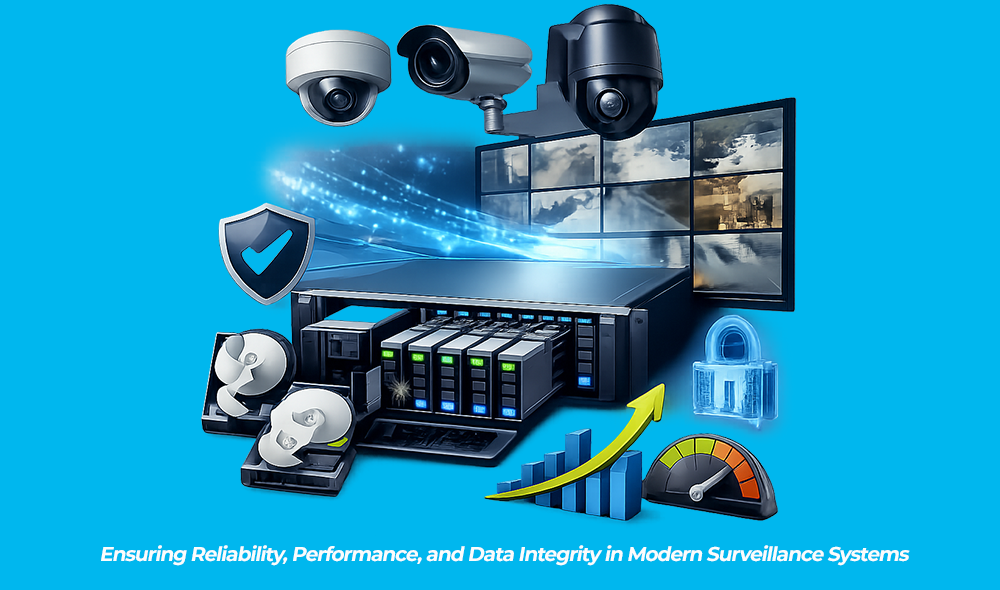
Ensuring Reliability, Performance, and Data Integrity in Modern Surveillance Systems
By: RAIDONTEK Research Team
Executive Summary
Digital Video Recorders (DVRs) are at the core of modern surveillance systems, supporting continuous video capture, long-term data retention, and rapid event retrieval. As surveillance technology advances—from HD to 4K resolution and beyond—storage demands have surged, making storage systems one of the most failure-sensitive and performance-critical components in security infrastructure.
RAID (Redundant Array of Independent Disks) directly addresses these challenges—improving throughput, increasing storage capacity, and providing protection against drive failure. In today’s DVR environments, where uninterrupted recording and data integrity are paramount, RAID has evolved from a convenience into a critical system requirement.
This report explores how RAID supports DVR architectures, compares commonly used RAID levels, and outlines best-practice design and implementation considerations for system integrators, OEMs, and end users.
1. Introduction: Storage Demands of Modern DVR Systems
Modern surveillance workloads introduce unique and demanding storage requirements:
Unlike general-purpose storage systems, DVR environments require consistent performance and high resilience, even under heavy load or environmental stress. RAID arrays address these needs by aggregating multiple drives into a single logical unit that enhances redundancy, bandwidth, and system resilience.
2. Why RAID Matters in DVR Applications
2.1 Ensures Continuous Recording During Drive Failure
RAID configurations such as RAID 1, 5, and 6 enable uninterrupted recording even during drive failures, preventing:
In sectors like retail, finance, and public safety, even brief data loss can result in significant operational and legal consequences.
2.2 Enhancing Write Performance for Multi-Channel Recording
With DVRs handling 8 to 64 channels simultaneously, sustained write performance is essential. RAID 0, 5, and 10 configurations provide:
This ensures video is captured without dropped frames, visual artifacts, or corrupted segments.
2.3 Efficiently Expands Storage Capacity
RAID overcomes single-drive limitations by enabling:
2.4 Protects Against Data Corruption
Advanced RAID implementations include features such as:
These mitigate silent data corruption and bit rot—critical in long-duration storage environments.
3. Common RAID Levels in DVR Applications
|
RAID Level |
Use Case |
Pros |
Cons |
Notes / Ideal Scenarios |
|---|---|---|---|---|
|
RAID 0 |
High-speed caching temporary storage |
Maximum performance, full capacity |
No redundancy, complete data loss on failure |
Rarely used for mission-critical surveillance |
|
RAID 1 |
Small-scale DVRs, |
High redundancy, simple rebuild |
50% usable capacity, Limited scalability |
Reliable for 1–2 drive systems |
|
RAID 5 |
Mid-sized DVRs |
Balanced performance and capacity, single -drive fault tolerance |
Long rebuild times, risk during rebuild |
Common in 4–8 drive system |
|
RAID 6 |
High-reliability systems |
Dual-drive fault tolerance, scalable |
More parity overhead, slower writes |
Ideal for mission-critical and high-density systems |
|
RAID 10 |
Excellent performance DVRs |
excellent performance and redundancy |
50% capacity loss, higher cost |
Best for analytics-heavy or real-time environments |
4. Key Benefits of RAID in DVR Workloads
• Redundancy: Prevents single points of failure, improving system uptime.
• Seamless Playback: Enables real-time viewing and access without recording interruption.
• Drive Longevity: Spreads write load across drives, reducing wear.
• Support for Higher Camera Counts: Handles 4K/8K, multi-stream, and AI-assisted systems.
• Fast Recovery: Minimizes downtime with efficient rebuild mechanisms.
5. Engineering Considerations for DVR RAID Design
5.1 Drive Selection
5.2 RAID Controller Design
5.3 Thermal & Vibration Management
5.4 Rebuild Time Optimization
- Use RAID 6 or 10
- Configure smaller array groups
- consider faster media (SSDs, hybrid drives)
5.5 Compliance & Retention Policy Alignment
6. Applications of RAID-Enabled DVR Systems
Retail & Loss Prevention: Reliable recording for prevention and liability protection.
Banking & Finance Security: Continuous recording to meet compliance mandates.
Industrial Manufacturing: Production monitoring and safety assurance.
Transportation: High vibration tolerance and dense camera inputs.
Smart Cities: Scalable RAID infrastructure supporting thousands of streams.
7. Best Practices for Integrators and OEMs
8. Q&A: Common Engineering Questions
Q1: Does RAID eliminate the need for backup?
No. RAID protects against drive failure, not human error, overwrite, or physical destruction.
Q2: Is RAID 5 safe for DVR use?
Yes for 4–8 drive setups. For larger arrays, RAID 6 is recommended for added fault tolerance.
Q3: Can SSDs replace HDDs in DVRs?
SSDs improve performance, but cost per TB and endurance remain limiting factors for long-term archival workloads.
Q4: How important is RAID controller quality?
Critical. Inferior controllers result in prolonged rebuild times, reduced performance, and increased risk of system failure.
9. Conclusion
RAID is now a cornerstone of modern DVR storage architecture—ensuring the reliability, scalability, and resilience today’s surveillance systems demand.”
Selecting the correct RAID configuration is essential for building surveillance systems that meet today’s operational demands and tomorrow’s data challenges.
| Return |











RaidonTek.com (raidon.com.tw) uses cookies to improve site functionality and your overall experience by storing necessary information for service delivery. By continuing, you consent to our use of cookies as detailed in our Privacy Policy, which provides more information about this usage. (Accept cookies to continue browsing the website)
 English
 Chinese Traditional
 Japanese
 Korean
 Russian
 German
 French
 Chinese Simplified
 Spanish
 Italian