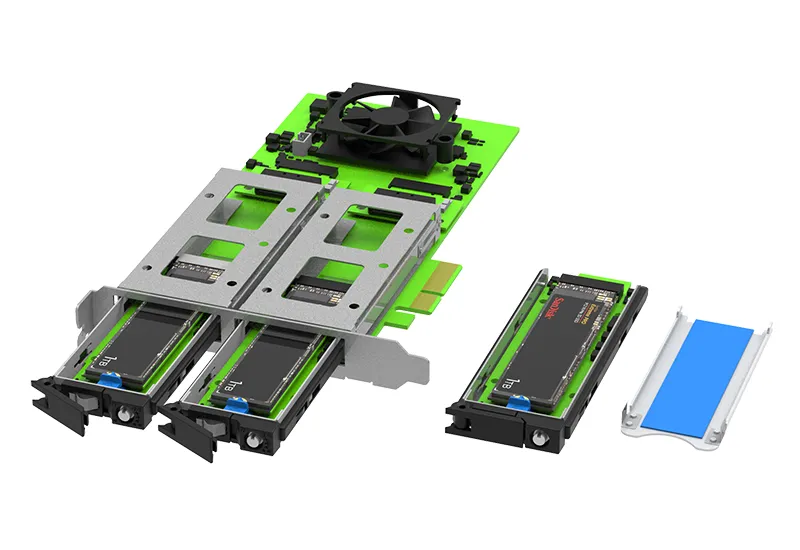
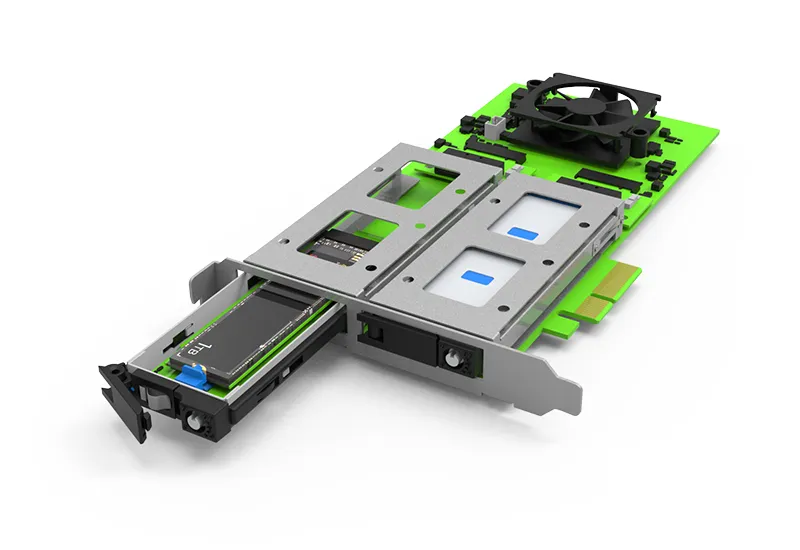
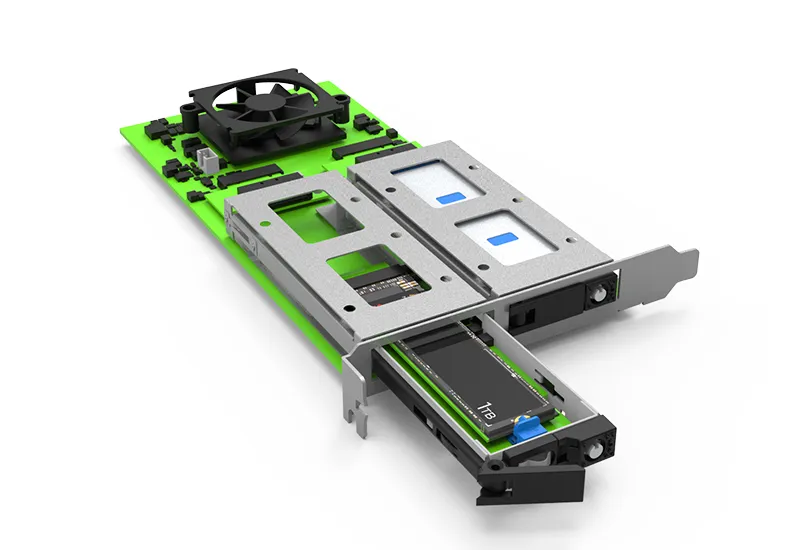
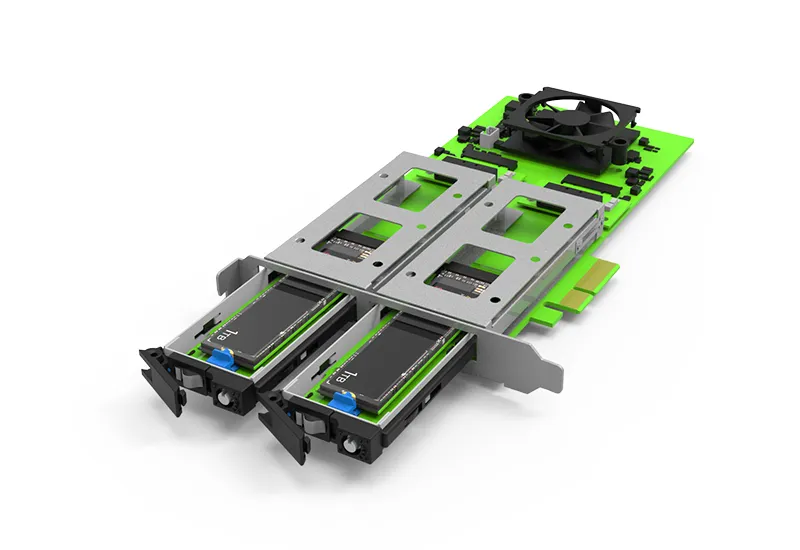
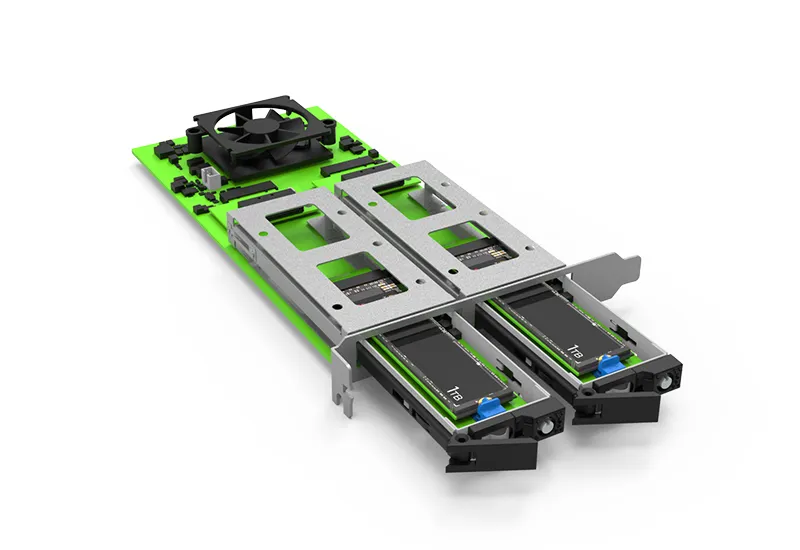
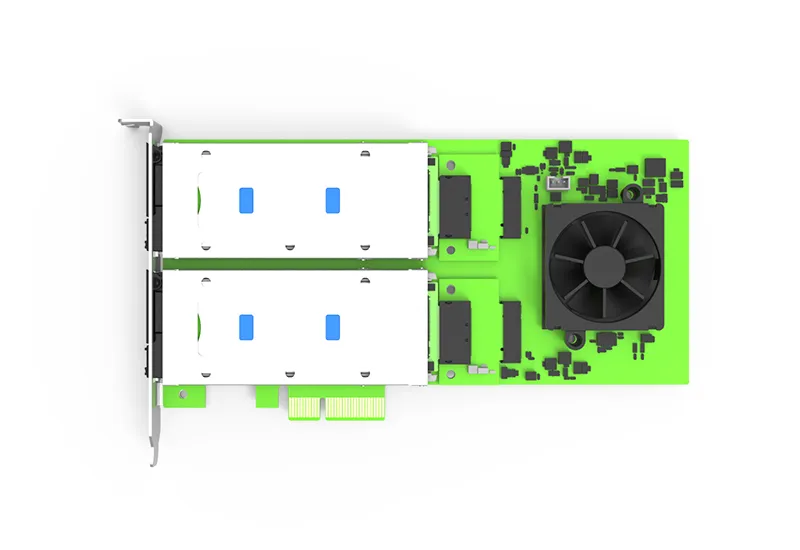
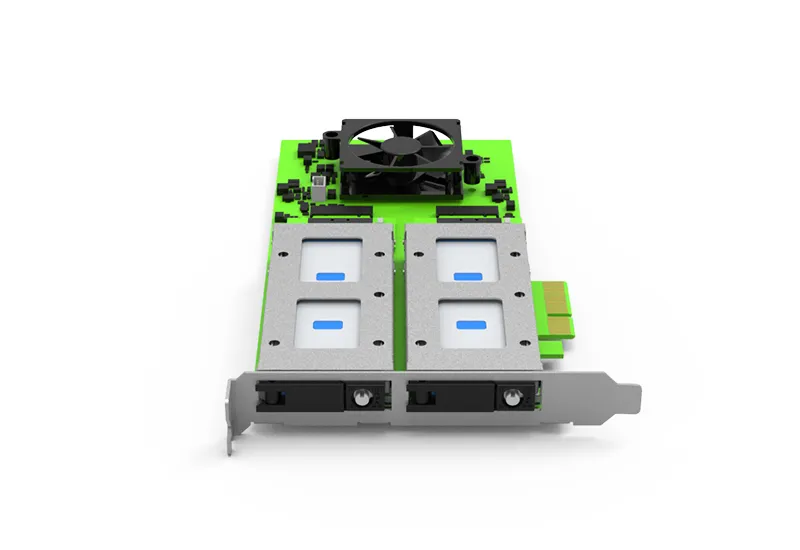
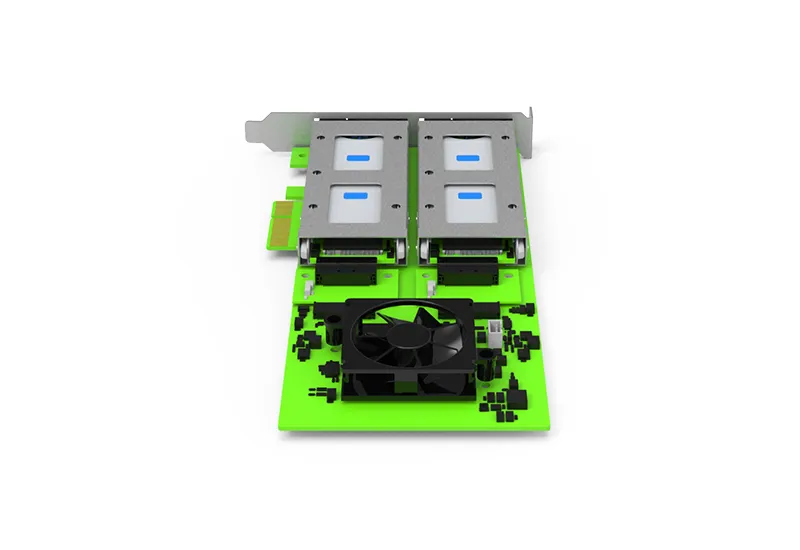
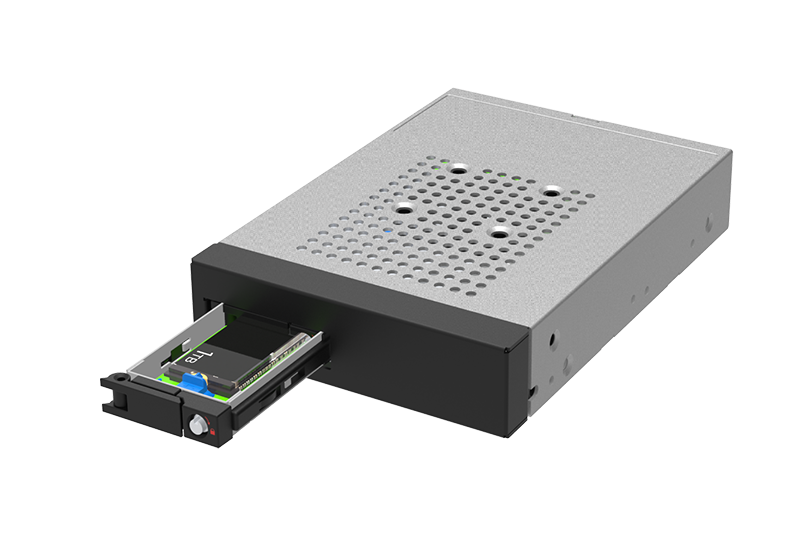
PC05M-42 Dual M.2 NVMe PCIe Expansion Adapter


Dual NVMe Expansion • Tool-Free Service • x2 + x2 lane allocation


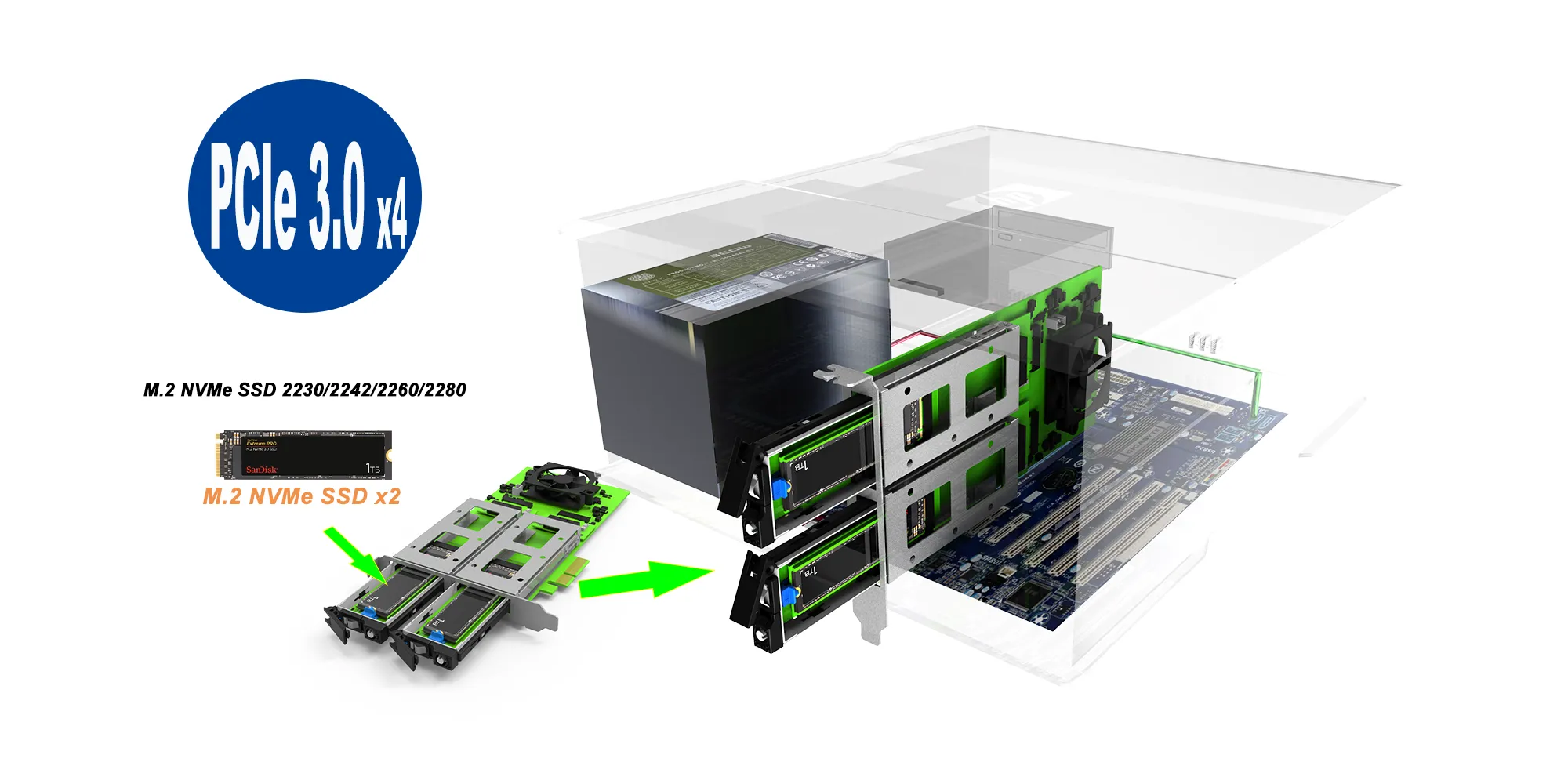
The PC05M-42 is a PCIe Gen3 dual-M.2 NVMe expansion adapter built for high-density storage growth in systems where predictable performance and fast serviceability matter. Using an active PCIe switching architecture, it enables two independent NVMe SSDs from a single PCIe slot—without relying on motherboard PCIe bifurcation, which is commonly required by passive multi-M.2 adapters.


The card allocates PCIe Gen3 x2 per SSD (x2 + x2), delivering consistent behavior under concurrent workloads—ideal for independent dual volumes (scratch + archive, OS + data, project separation) or software RAID configurations. Aggregate bandwidth is capped by the PCIe Gen3 x4 upstream host link, as with any switch topology under contention.


Hot-swap note: NVMe hot-swap/hot-plug requires platform support (BIOS/OS and hot-plug topology). When supported, the PC05M-42 design helps minimize service time via tool-free access.


Key Features


1. Dedicated Dual-Channel PCIe Performance


● PCIe Gen3 x4 host interface


● x2 + x2 lane allocation to two NVMe SSDs


● Consistent throughput under concurrent multi-drive access


2. Dual M.2 NVMe SSD Support


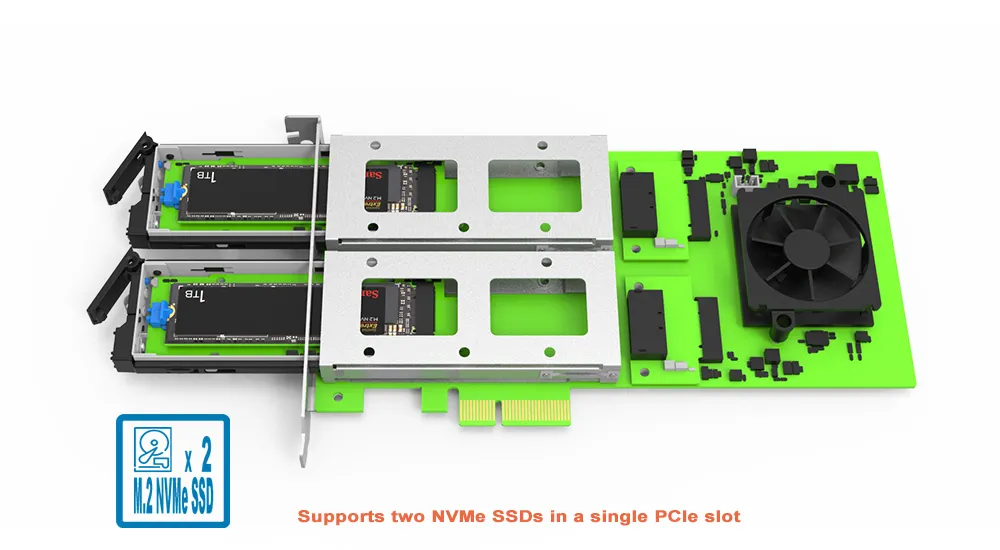
● Supports two NVMe SSDs in a single PCIe slot


● Ideal for capacity expansion, data separation, and JBOD / Independent Mode


3. Wide M.2 Form-Factor Compatibility


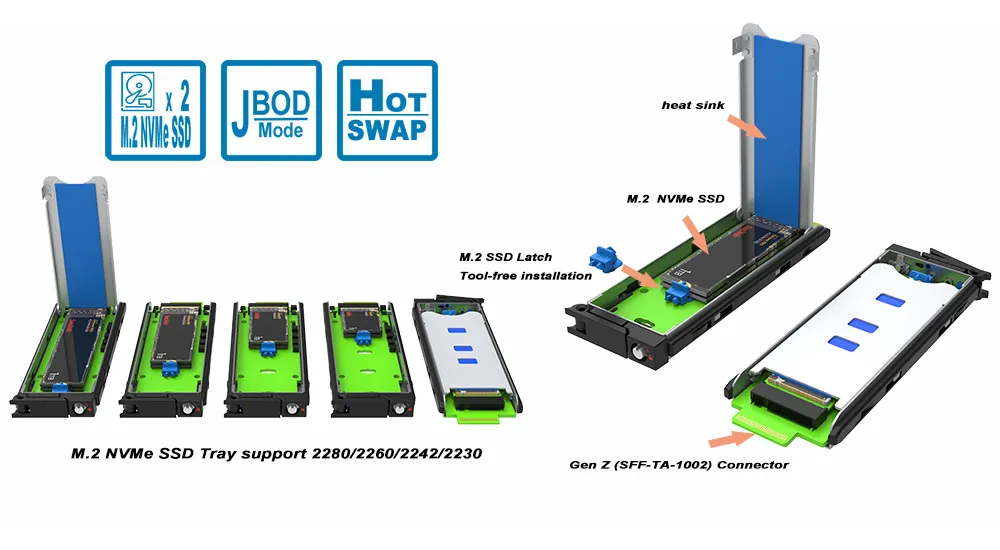
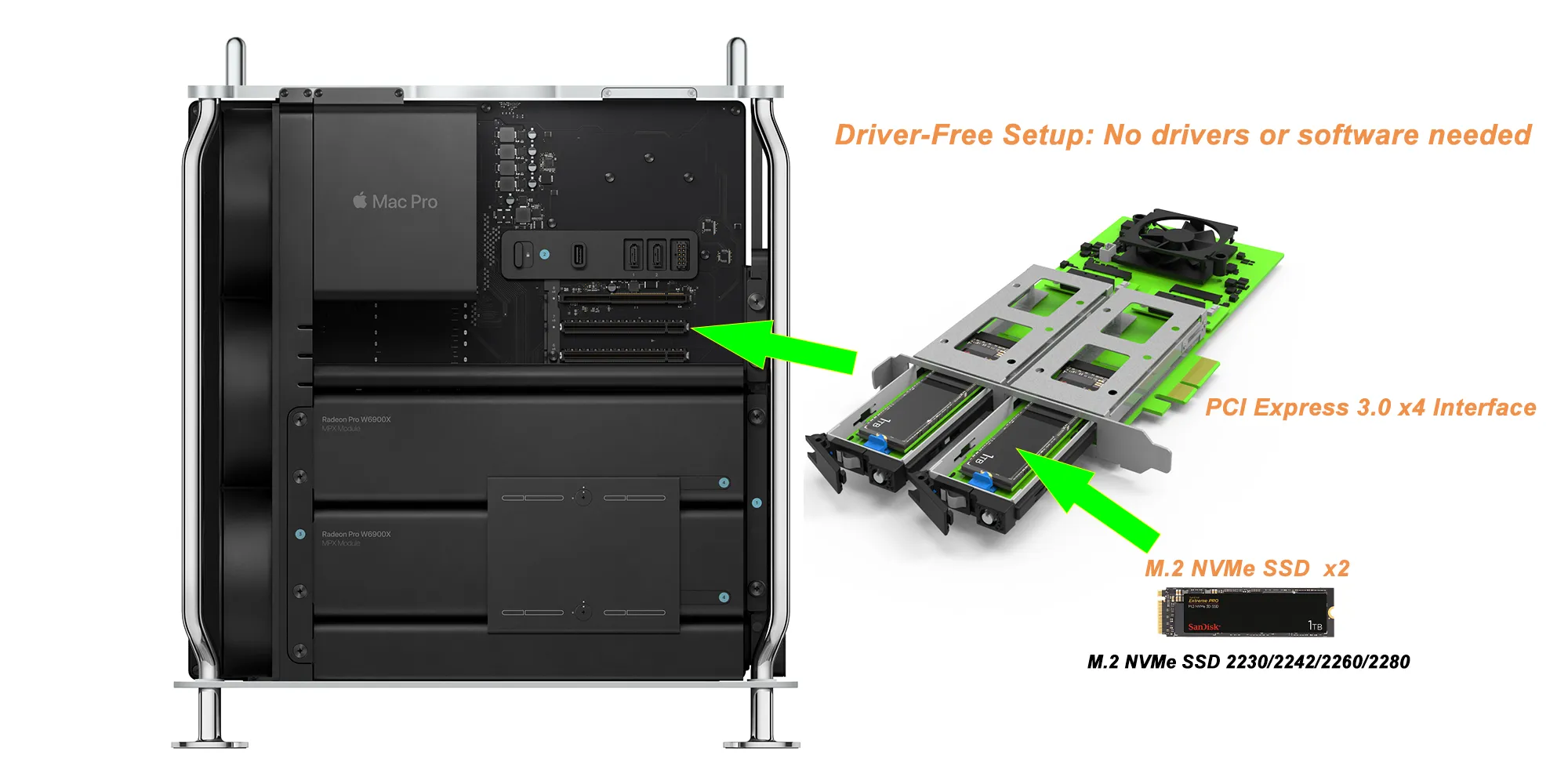
● Supports 2230 / 2242 / 2260 / 2280 M.2 NVMe SSDs


● Flexible SSD sourcing and upgrade planning


4. Tool-Free, Service-Optimized Design


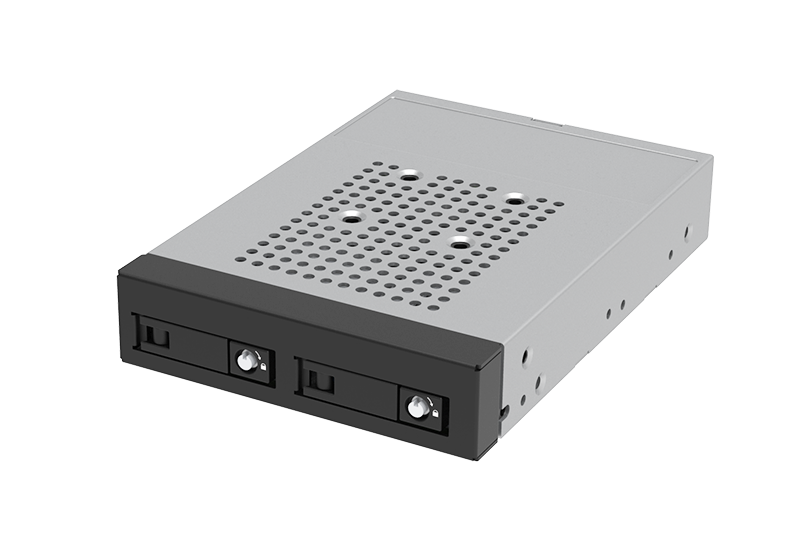
● Screwless, tool-free SSD installation and removal


● Designed to reduce maintenance time and simplify field replacement


● Hot-swap is supported when the system BIOS/OS supports NVMe hot-plug (BIOS/OS dependent)


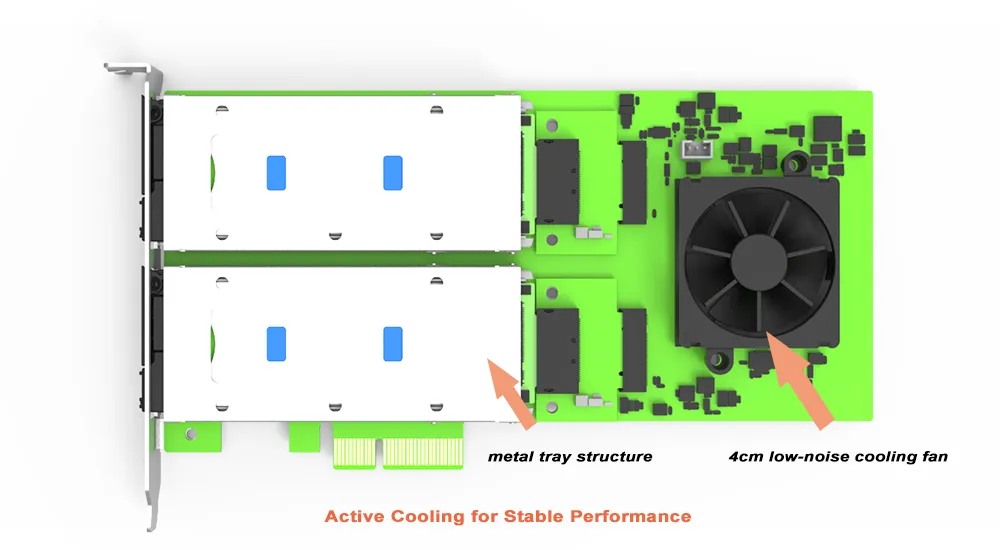
5. Active Cooling for Stable Performance


● Built-in 40 mm (4 cm) cooling fan


● Helps prevent NVMe thermal throttling during long or heavy workloads


● Supports stable operation in continuous-duty scenarios


Why choose the PC05M-42?


Decision Area

Why It Matters

Buying Tip

Dual NVMe Expansion

Adds capacity and enables multi-volume workflows without a second adapter.

Choose it if you need two high-speed NVMe drives in one PCIe slot.

Dedicated x2 + x2 Bandwidth

Keeps performance predictable when both SSDs are active.

Choose when you run concurrent I/O across two volumes.

Tool-Free Serviceability

Faster SSD installation/replacement reduces downtime and technician error.

Best for environments that prioritize maintenance speed.

Active Cooling + Multi-Size M.2 Support

Maintains performance under sustained load and supports mixed SSD sizes.

Ideal for performance-critical or future-proof deployments.


Ideal Applications


The PC05M-42 is engineered to deliver high-speed data transfer and outstanding ease of use, offering a reliable, flexible, and efficient M.2 NVMe SSD expansion solution for a wide range of applications.


● High-Performance Workstations


video editing, 3D rendering, CAD, content creation—dual NVMe improves project responsiveness and workflow efficiency.


● Enterprise & Server Systems


storage expansion with service-friendly design; suitable for scalable, data-intensive workloads (hot-swap depends on platform support).


● Industrial & Embedded Computing


active cooling supports stable, continuous operation in compact or demanding environments.


Frequently Asked Questions


Q1: What is the difference between PC05M-42 and PC04M-41?


A: Both are PCIe Gen3 M.2 NVMe adapters with active cooling and broad M.2 size support. The PC05M-42 supports two SSDs with x2 + x2 dedicated channels, while the PC04M-41 supports one SSD on a Gen3 x4 single channel.


Feature

PC04M-41

PC05M-42

PCIe Interface

Gen3 ×4 (single channel)

Gen3 x4 host; x2 + x2 to SSDs (switch-based)

M.2 NVMe SSD Support

1 SSD

2 SSDs

Tool-Free / Hot-Swap

Tool-free tray design; hot-swap platform dependent

Tool-free tray design; hot-swap platform dependent

Cooling

Active 40 mm (4 cm) cooling fan

Active 40 mm (4 cm) cooling fan

M.2 Form Factor Compatibility

2230/2242/2260/2280

2230/2242/2260/2280

Bracket / Mounting

low-profile

Full-height

Best For

Single-drive max bandwidth

Dual-drive expansion with ease of maintenance


Q2: Does each SSD have its own bandwidth?


A: Yes. The design allocates PCIe Gen3 x2 per SSD (x2 + x2) for dedicated channels.


Q3: Do I need tools to install or remove SSDs?


A: No, The PC05M-42 uses a tool-free, screwless design for fast installation and replacement. 


Q4: Can I hot-swap SSDs without shutting down?


A: Hot-swap depends on platform support. If your system BIOS/OS supports NVMe hot-plug/hot-swap, you can replace SSDs without powering down. Many server/industrial platforms support this; some desktop platforms may not.


Q5: Why choose the PC05M-42 over typical M.2 PCIe adapters?


A: It combines dual-drive support, dedicated x2 + x2 channels, tool-free serviceability, broad M.2 compatibility, and active cooling—optimized for dependable, maintainable deployments.


Q6: What systems is PC05M-42 suitable for?


A: Desktops, workstations, servers, and industrial systems that need service-friendly dual-NVMe expansion.


 

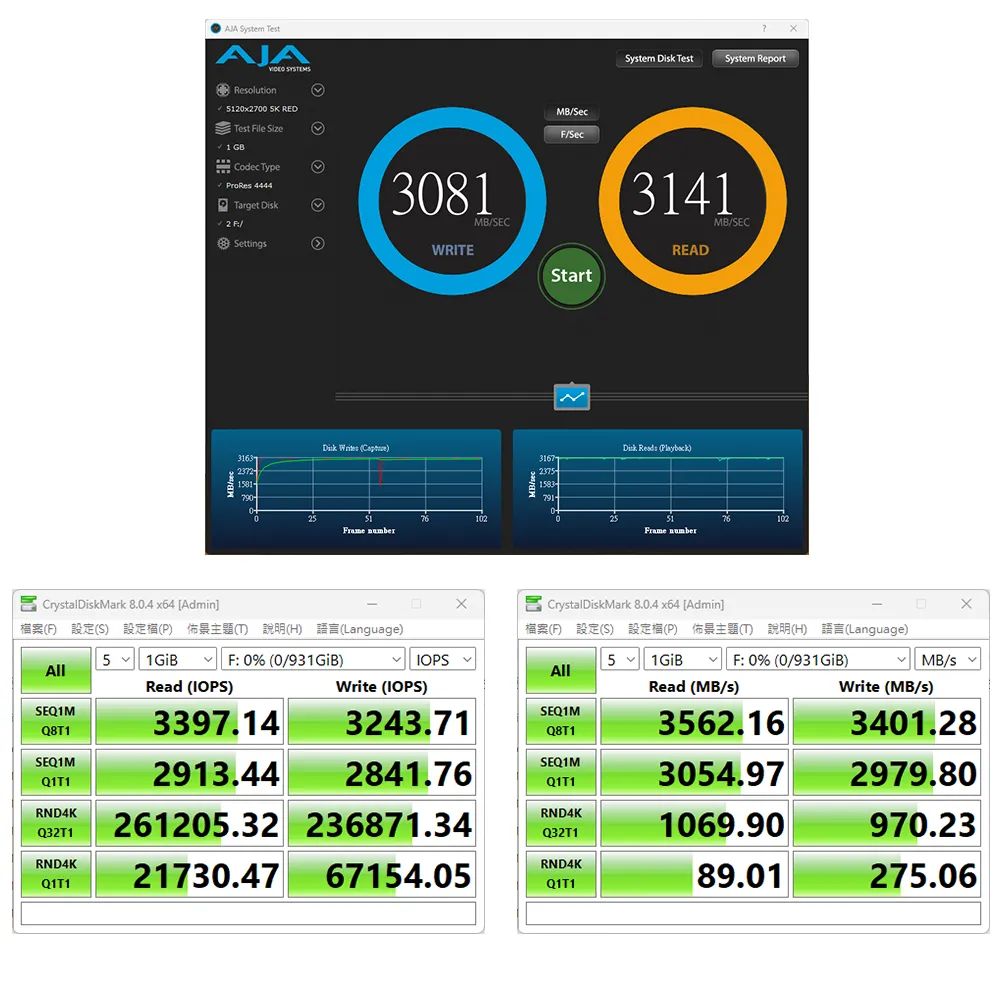
Performance test result for reference. The test result will vary depend on the test environment.

Specification


Model No PC05M-42
Interfaces PCIe 3.0 x4
Compatible Drive 2 x M.2 NVMe SSD (2230/2242/2260/2280)
Certification CE/FCC
Storage Mode JBOD - Independent Mode
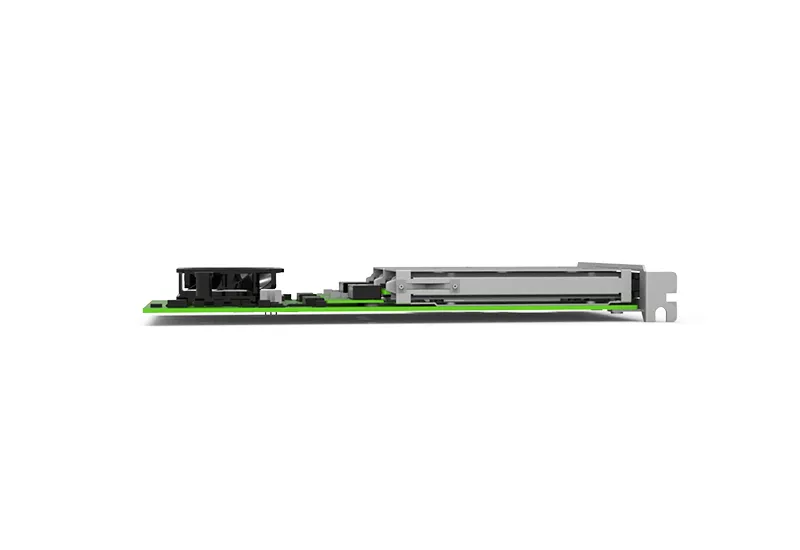
Dimension 68.9 mm (H) x 139 mm (L)
Operating System 
Support
Windows 7 or above, macOS 10.10 or above, Linux
Package Accessories * PC05M-42x 1
* Quick Installation Guide x1 
* Standard Bracket x1
* Screws & Tray unlock key


Related Products


iUM2776P

iUM1776


PC05M-42 Download

Product
Datasheet
QM
UM
CE & FCC
Photo
other
PC05M-42

PC05M-42 Question & Answer

  • Q1What systems is PC05M-42 suitable for?
  • Q2Why choose the PC05M-42 over typical M.2 PCIe adapters?
  • Q3Can I hot-swap SSDs without shutting down?
  • Q4Do I need tools to install or remove SSDs?
  • Q5Does each SSD have its own bandwidth?
  • Q6What is the difference between PC05M-42 and PC04M-41?
 

RaidonTek.com (raidon.com.tw) uses cookies to improve site functionality and your overall experience by storing necessary information for service delivery. By continuing, you consent to our use of cookies as detailed in our Privacy Policy, which provides more information about this usage. (Accept cookies to continue browsing the website)